Open My Utilita, select Refer a Friend and generate a unique link. Share it by text, WhatsApp, email or however works for you.
Refer a Friend
£50 for you.
£50 for them.
Refer a friend to Utilita and you’ll get £50 energy credit when they switch. They’ll get a £50 Amazon gift card too. Everybody wins.

Four steps.Two rewards.
Share the love

Step 1
Open your
My Utilita app
Open the app and select Refer a Friend from your Home screen or Dashboard.

Step 2
Get your
unique link
Generate a referral link to share with your friend.

Step 3
Your friend switches
Your friend follows the link and completes their switch to Utilita.

Step 4
You both get rewarded
Once they’ve been on supply for 60 days, we’ll send your rewards automatically.
Step 1
Open your
My Utilita app
Open the app and select Refer a Friend from your Home screen or Dashboard.
Step 2
Get your
unique link
Generate a referral link to share with your friend.
Step 3
Your friend switches
Your friend follows the link and completes their switch to Utilita.
Step 4
You both get rewarded
Once they’ve been on supply for 60 days, we’ll send your rewards automatically.
Good to know
Share more.
Earn more.
There’s no limit to the total number of friends you can refer, but each person needs their own unique link.
72 hours
Each referral link is valid for 72 hours.
One friend per link
A unique link can only be used by one person.
Three active links
You can have up to three active referral links at a time.
No overall limit
Once a link is used or expires, you can generate another.

More control.More support.More Extra.
Better together
There’s more to Utilita than the £50 welcome reward. Here’s just a few reasons why people are choosing Utilita.

No Standing Charge for PAYG
None of our Pay As You Go tariffs include a Standing Charge. If you don’t use any energy, you won’t be charged.
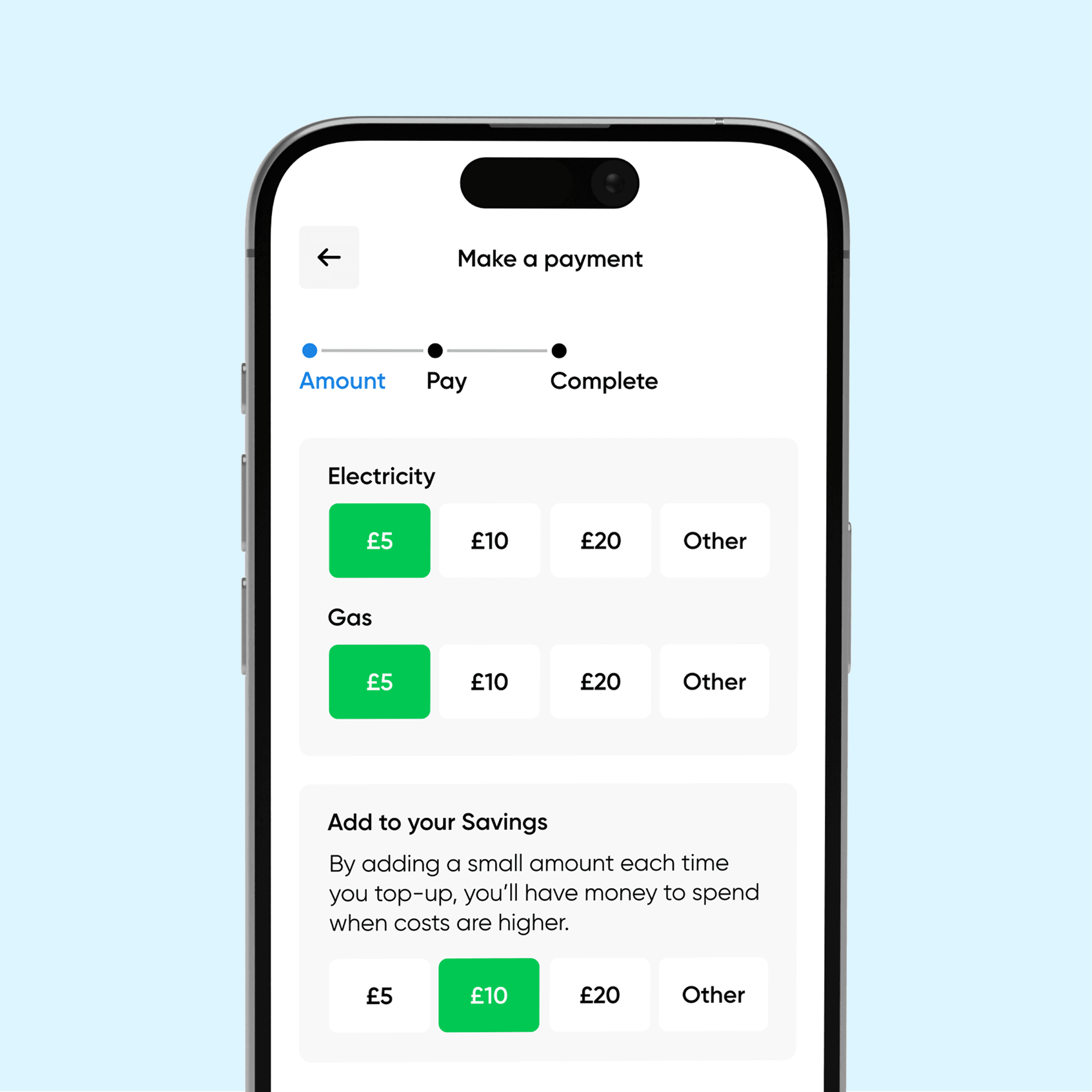
Award-winning app
Our x4 award-winning app, My Utilita, puts energy at your fingertips. Top-up on-the-go, POWER UP with extra credit when you need it, or Transfer Credit between your meters in just a few clicks!

Rewards, just because
Enjoy a huge range of prizes in our exclusive weekly competitions with Utilita Extra, just for being a customer. The latest tech bundles, free football and concert tickets, and a massive £5,000 cash Jackpot are all up for grabs.
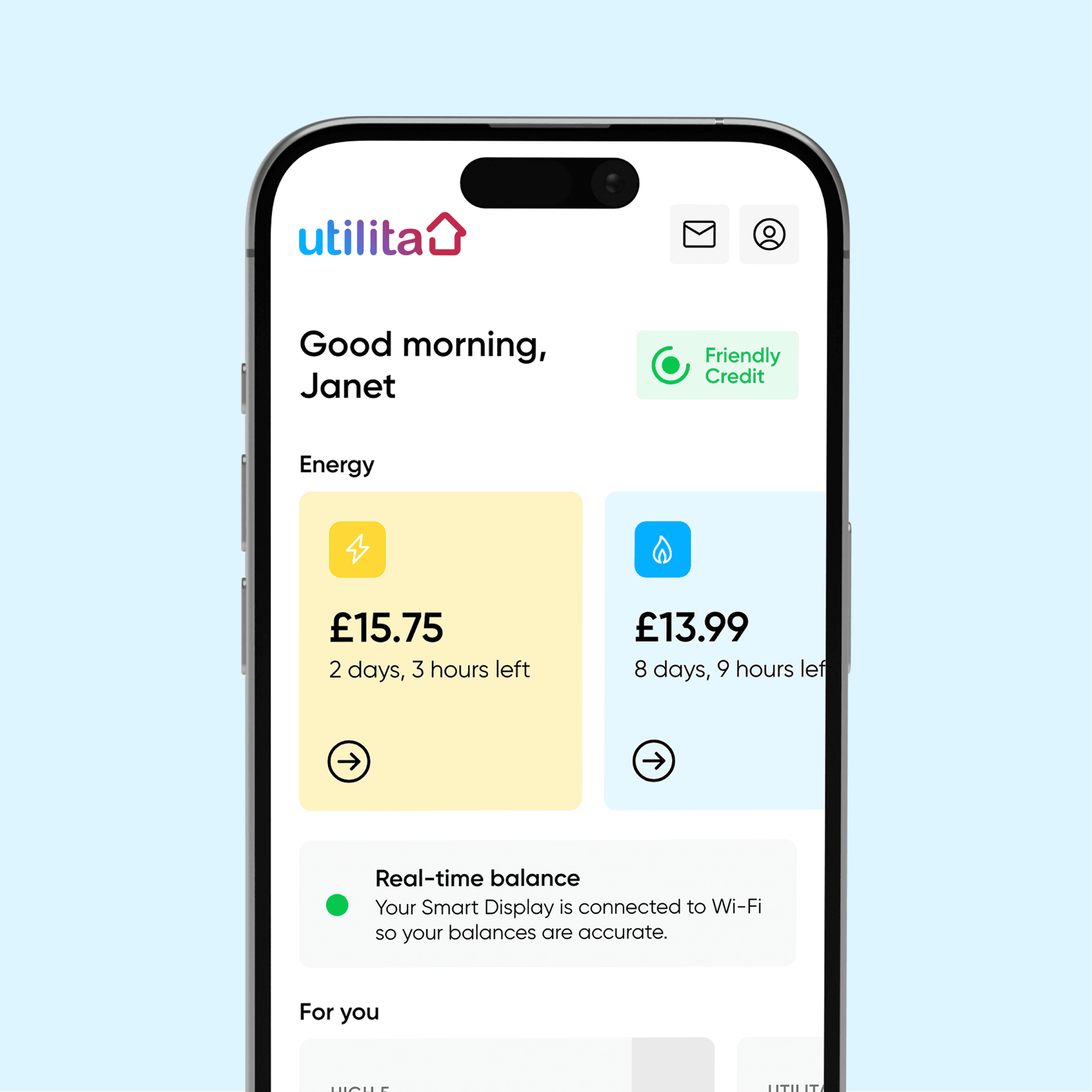
You speak, we listen
We’ve built our services around your feedback. Thanks to you, we’ve extended our Friendly Credit Hours, launched our 24/7 Help Centre, created more personalised energy saving features for your home and made applying for Emergency Credit easier than ever.
No Standing Charge for PAYG
None of our Pay As You Go tariffs include a Standing Charge. If you don’t use any energy, you won’t be charged.
Award-winning app
Our x4 award-winning app, My Utilita, puts energy at your fingertips. Top-up on-the-go, POWER UP with extra credit when you need it, or Transfer Credit between your meters in just a few clicks!
Rewards, just because
Enjoy a huge range of prizes in our exclusive weekly competitions with Utilita Extra, just for being a customer. The latest tech bundles, free football and concert tickets, and a massive £5,000 cash Jackpot are all up for grabs.
You speak, we listen
We’ve built our services around your feedback. Thanks to you, we’ve extended our Friendly Credit Hours, launched our 24/7 Help Centre, created more personalised energy saving features for your home and made applying for Emergency Credit easier than ever.
Don't just takeour word for it
Testimonials
Read reviews from customers just like you who are already saving £££s with the smartest energy supplier around.

Very understanding of my situation and willingness to help was exceptional!
Really professional and helpful!
Brilliant company! I’ve had nothing but great experiences when I’ve rang them and they have helped me out several times.
Ready to refer?
Eligibility
Referring someone to Utilita takes no time at all – just make sure you and your friend meet the criteria below and start sharing the love!

You can refer a friend if:
- You’re a domestic Utilita customer in the UK.
- You have an active smart account and a working smart meter.
- You’re not in the process of leaving Utilita.
Terms & Conditions apply – see below.
Your friend must:
- Be a new domestic Utilita customer in the UK.
- Use your unique referral link when switching.
- Remain on supply with Utilita for at least 60 days.
You can refer a friend if:
- You’re a domestic Utilita customer in the UK.
- You have an active smart account and a working smart meter.
- You’re not in the process of leaving Utilita.
Terms & Conditions apply – see below.
Your friend must:
- Be a new domestic Utilita customer in the UK.
- Use your unique referral link when switching.
- Remain on supply with Utilita for at least 60 days.

Know someone who’d love Utilita?
Send a link. Share £100.
Generate your unique referral link in My Utilita and give your friend a £50 Amazon* gift card to look forward to.
FAQs
There’s no overall limit. You can have up to three active links at a time and generate another whenever one is used or expires.
Each link is valid for 72 hours and can only be used by one person.
Once your friend has been on supply for 60 days, you’ll receive £50 energy credit and they’ll receive a £50 Amazon Gift Card. Rewards are issued automatically.
You can check the status of each referral in the My Utilita app.
Contact us with the referral details and proof of the switch. We’ll review the information and see whether the referral can be matched. This is at our sole discretion.
To start referring friends, you’ll need an active smart account with a working smart meter. If you don’t have one yet, you can book a free installation online. Once it’s installed and ready to use, you can start sharing your referral links.
You can find the eligibility criteria, reward information and full scheme rules in our Refer a Friend Terms and Conditions at www.utilita.co.uk/terms
*Utilita Energy has no affiliation or endorsement with Amazon.