Other support
More ways to keep
you on supply
We’ve got plenty of financial support options beside POWER UP to help keep the lights on.
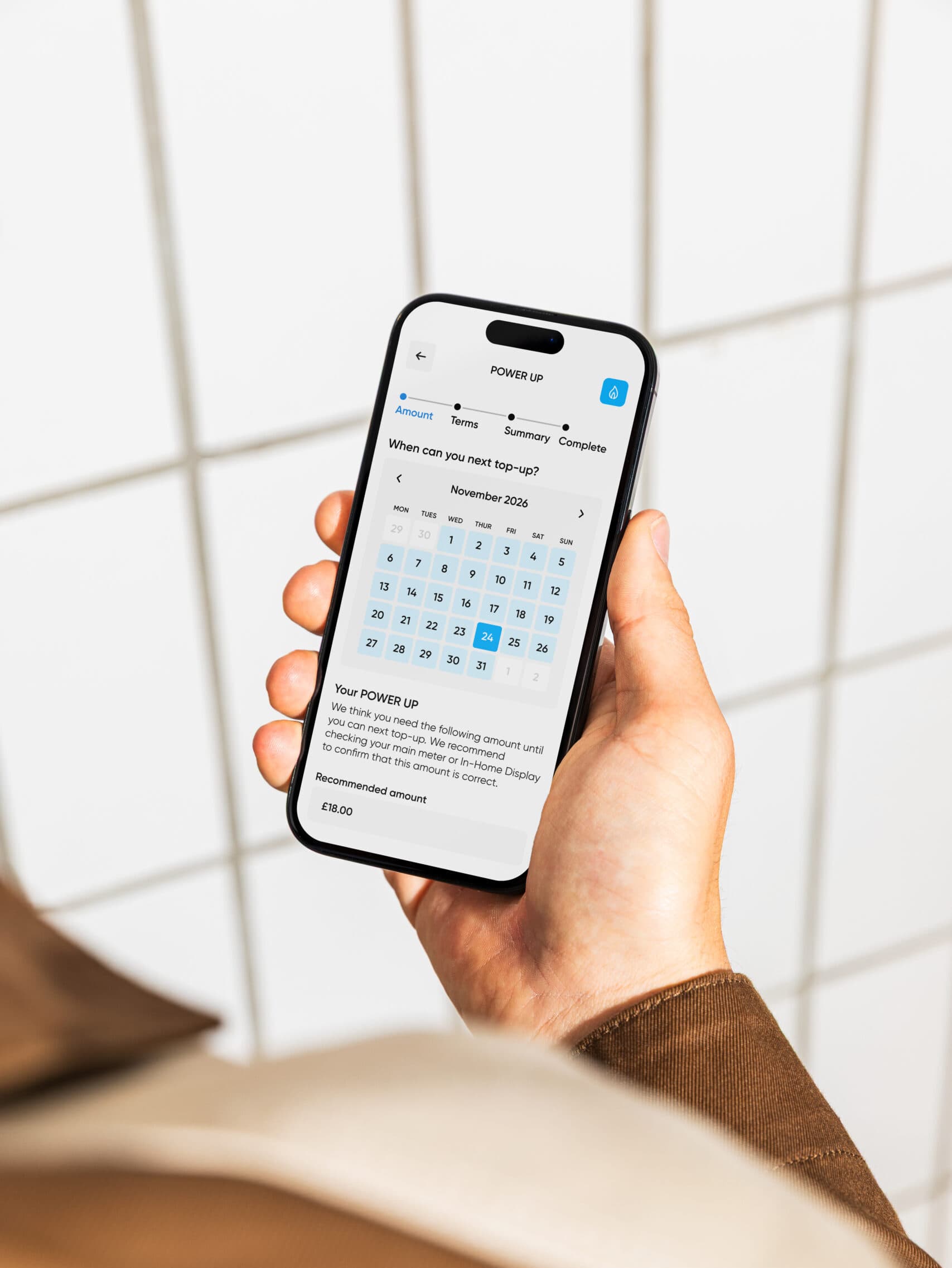
Step-by-step guide
We’ve built POWER UP to support you in-between top-ups, because we understand payday sometimes can’t come soon enough. Here’s exactly how the feature works.

When you’re below £10 credit and can’t top-up straight away, open the My Utilita app, sign in to your account, and apply for a POWER UP. If you haven’t got an account yet, it’s easy and there’s so many benefits. Click here to create an account.

On the Home screen, select your gas or electricity supply (or both) that you’d like support on. You’ll see a POWER UP button, which will be available as long as you’ve met the eligibility criteria.

Let us know the date you’re next planning to top-up, how much to POWER UP your meter (this is limited to £25 per supply), and set your Recovery Rate between 20% and 100% for repayments.

Read the information carefully before confirming and then check your balance. You’ll see the temporary credit applied to your meter to help keep you on supply. You’ll then repay it in bitesize chunks, or all in one go on Payday – whatever works for you.
When you’re below £10 credit and can’t top-up straight away, open the My Utilita app, sign in to your account, and apply for a POWER UP. If you haven’t got an account yet, it’s easy and there’s so many benefits. Click here to create an account.
On the Home screen, select your gas or electricity supply (or both) that you’d like support on. You’ll see a POWER UP button, which will be available as long as you’ve met the eligibility criteria.
Let us know the date you’re next planning to top-up, how much to POWER UP your meter (this is limited to £25 per supply), and set your Recovery Rate between 20% and 100% for repayments.
Read the information carefully before confirming and then check your balance. You’ll see the temporary credit applied to your meter to help keep you on supply. You’ll then repay it in bitesize chunks, or all in one go on Payday – whatever works for you.
About POWER UP
It’s important to know POWER UP isn’t a long-term way to pay for your energy. It’s a support tool designed so you’re never caught in the dark.
Designed to provide short-term energy credit to help keep you on supply. If you’re a few days short of your next planned top-up, applying for the temporary gas or electricity credit in your My Utilita app can help bridge the gap. When you next top-up, you’ll start repaying this credit back at a Recovery Rate that works for you.
Built to be a long-term payment method and shouldn’t be used if you think you’d struggle with repayment. The feature isn’t an answer to affordability struggles, so if you’re regularly finding it difficult to top-up your energy, don’t suffer in silence. Get in touch with us via Live Chat and we’ll do what we can to help. Plus, check out what independent support is available to you.

Video guide
We’ve made POWER UP easy to find and easy to activate in the My Utilita app. For the full guide, watch our handy video below.
Repayment
Once you’ve activated a POWER UP, you can choose to pay it back at once, or gradually over time as a percentage of future top-ups, whatever suits your budget.
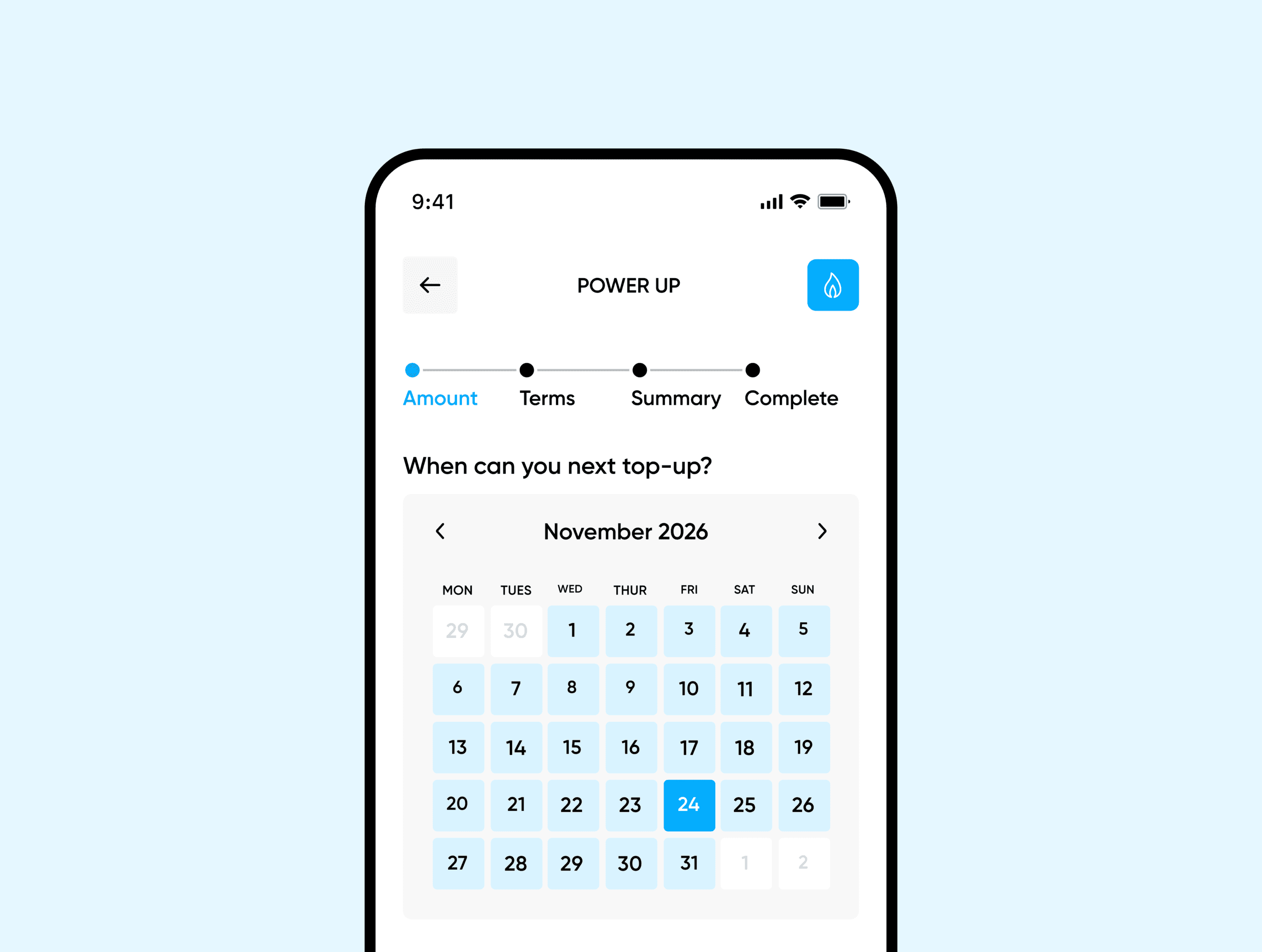
For Pay As You Go customers, POWER UP (like all other energy debt) needs to be repaid in full via Recovery Rate. You can set your own rate between 20% and 100%, based on what’s affordable. You’ll be asked to set a Recovery Rate when you apply for your POWER UP, but you can change it whenever you need to directly from the My Utilita app.
Once you’ve set your Recovery Rate, a portion of your top-ups will go towards outstanding debt until the balance is cleared. So if you have a Recovery Rate of 20% and you top-up £10, £2 will go towards paying back your POWER UP, and the other £8 is used on your ongoing energy usage.
We’ve got plenty of financial support options beside POWER UP to help keep the lights on.
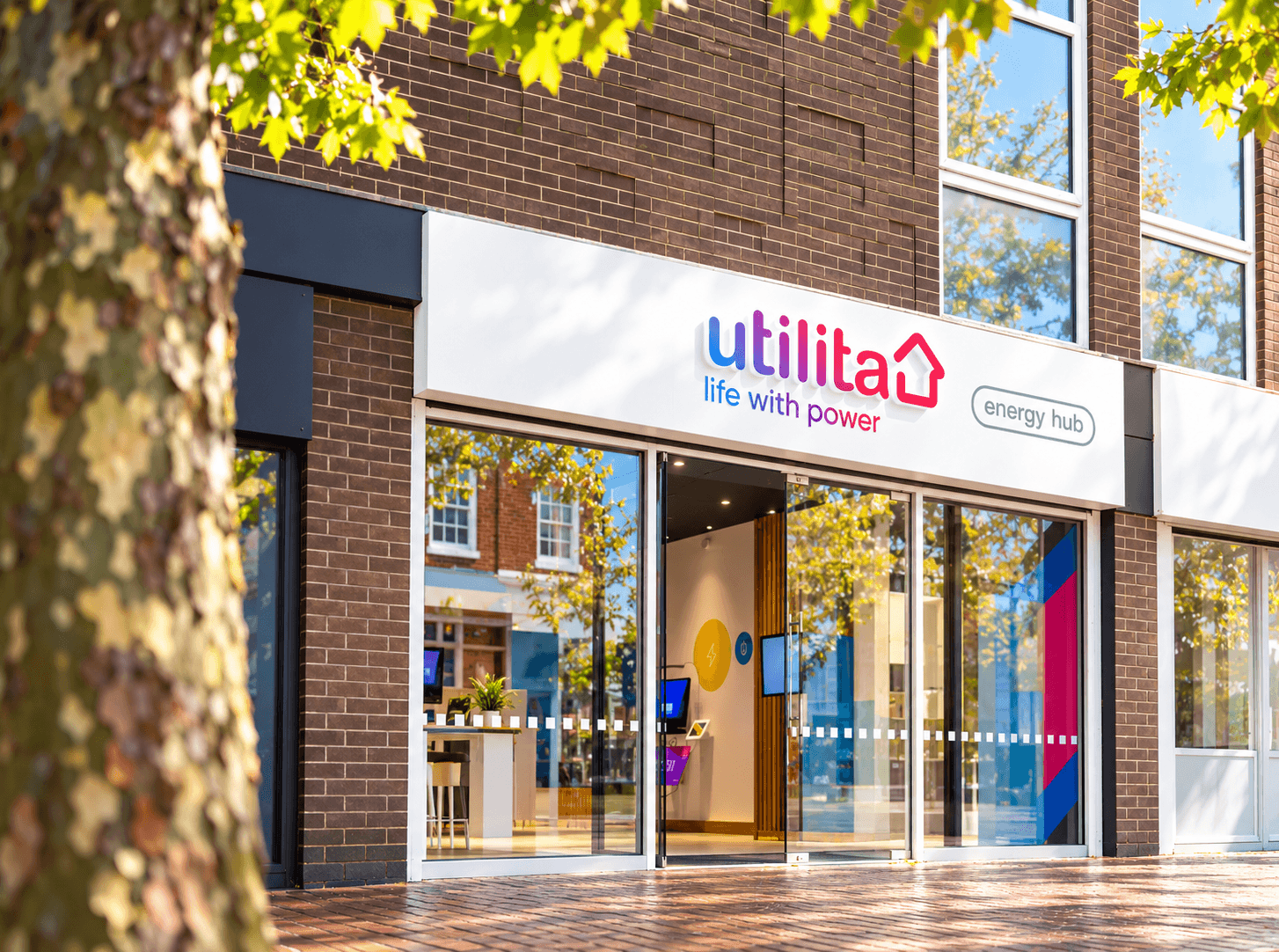
Pop along to one of our local energy hubs. Whether you need help with your account, want some energy-saving tips, or just a cup of tea and a chat, we’re here to help.
If you’re ever caught off guard by low energy credit, don’t worry. When your meter credit drops below £1, you’ll have the option to activate £15 Emergency Credit to keep you on supply while you sort your next top-up.
Even if you completely run out of credit, we’ll always keep you on supply during the times that matter most. Pay As You Go smart meters automatically enter Friendly Credit mode every evening, weekend and bank holiday – giving you plenty of time to add credit before you lose supply.

Check out our help centre for handy articles and FAQs. If you need to reach out directly, visit our contact centre, or get in touch with our Extra Care Team.
POWER UP lets you apply for a top-up when you’ve run out of credit, and need to keep your home up and running. Just bear in mind you’ll need to pay back anything you borrow when you next top-up.
Apply for a POWER UP from the Home or Payments screen of My Utilita when you’re running low on credit. Get up to £25 of gas and electricity credit if you need to – just choose a payback rate that works for you.
Yes. You can POWER UP one or both meters if needed – just make sure you apply for your other meter within 10 hours of the original POWER UP. After 10 hours, My Utilita will think you have an outstanding debt on your account, and you won’t be able to POWER UP again until it’s been cleared.
You won’t be able to POWER UP under certain circumstances, such as:
If you can’t POWER UP, but are having difficulty topping-up, please speak to our team via the Live Chat in the bottom right corner of our website, or call us on 0345 207 2000.
It can take up to 30 minutes for the Recovery Rate changes to show in My Utilita. If it hasn’t updated after 30 minutes, speak to us via Live Chat, any time.