- Select Menu on the home screen
- Scroll to Settings
- Select Wi-Fi network
- Switch Wi-Fi on – it’s disabled by default
- Select Set up network
- Follow the instructions on screen
Smart Display
See your energy more clearly
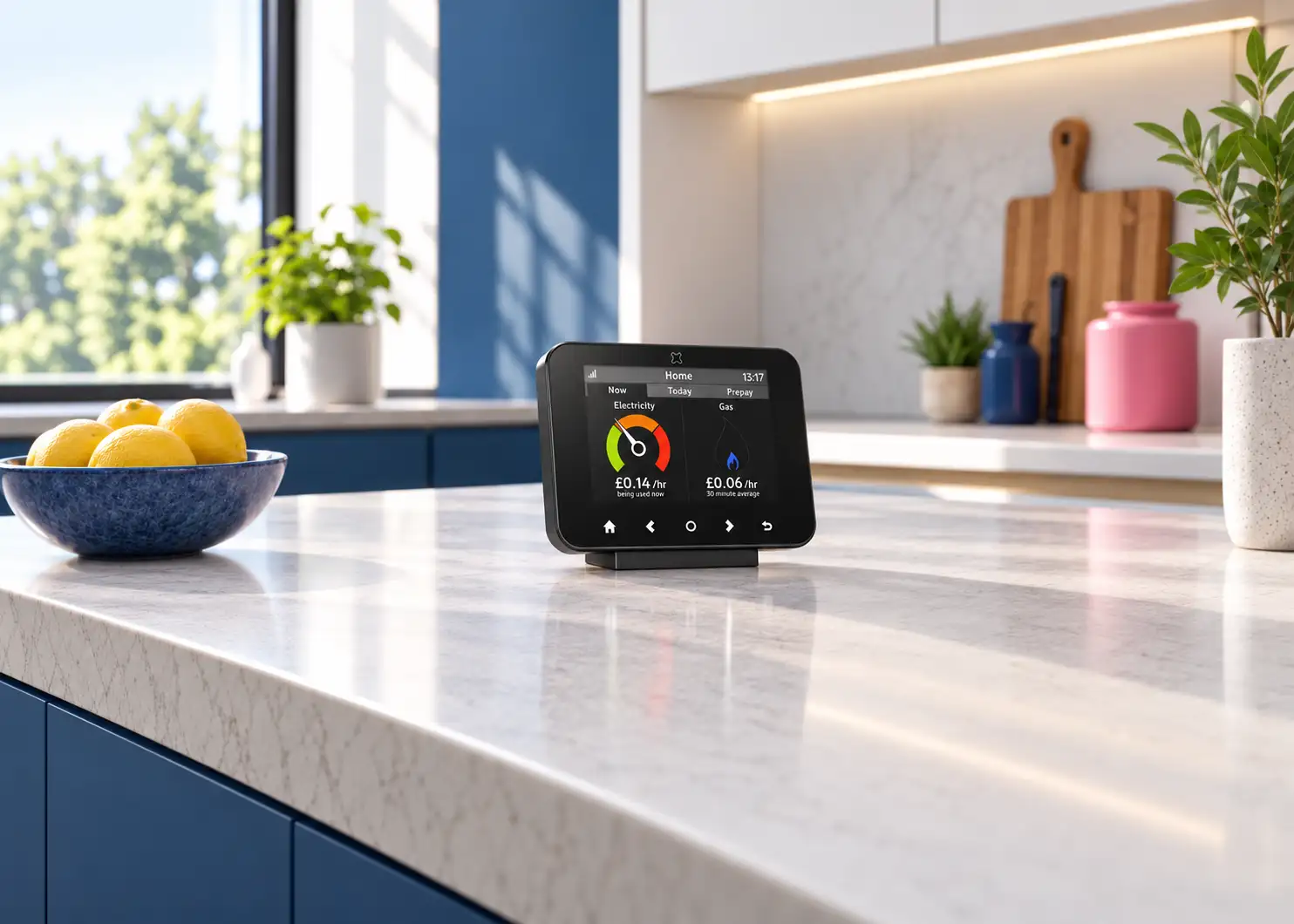
Your Smart Display brings your energy information together in one place, helping you check your balance, understand your usage and stay in control.
Your energy at
your fingertips
Take control
See the information you need without checking your meter or waiting for a bill.

Check your balance
Quickly see how much credit you have remaining on your gas and electricity meters.

Understand
your usage
View your gas and electricity usage across the day, week or month.
See what you’re spending
Keep track of your energy costs and understand how your usage changes over time.

Access Emergency Credit
Activate £15 Emergency Credit on each meter, directly from your Smart Display when it’s available.
Check your balance
Quickly see how much credit you have remaining on your gas and electricity meters.
Understand
your usage
View your gas and electricity usage across the day, week or month.
See what you’re spending
Keep track of your energy costs and understand how your usage changes over time.
Access Emergency Credit
Activate £15 Emergency Credit on each meter, directly from your Smart Display when it’s available.
Smart energy made simple
Different jobs.
Better together.
Your smart meter records your energy usage and sends us readings automatically. Your Smart Display brings that information to life inside your home, helping you understand what you’re using and spending.
You can use it to:
- Check your gas and electricity balance.
- View your current energy usage.
- Compare your daily, weekly and monthly usage.
- See your energy costs.
- Access important account features.
Simple to use
Everything you need in one place
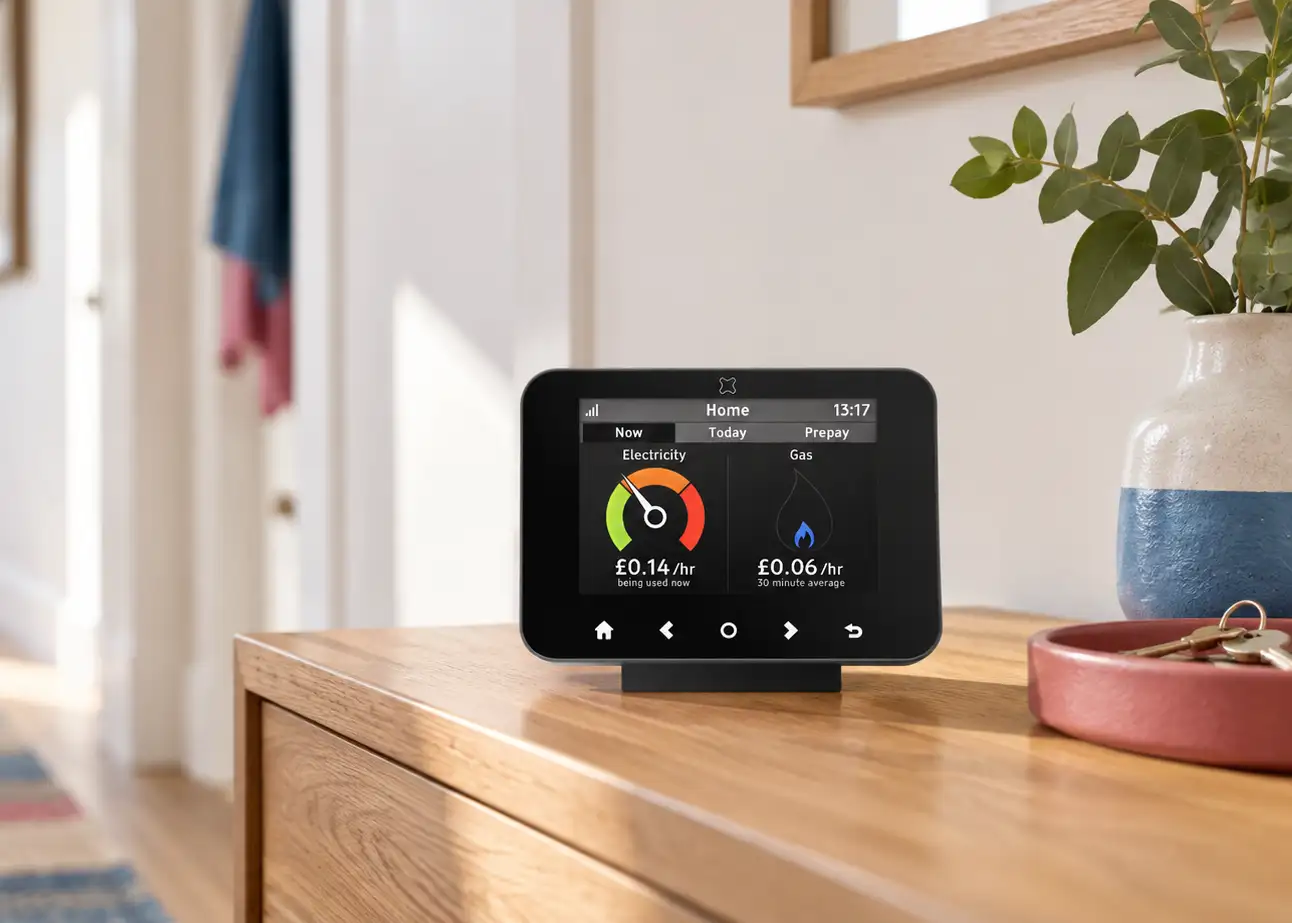
Navigate your Smart Display to find a clear breakdown of your energy information and access the features you use most.
- Home screen – see your balance and key account information.
- Energy usage – check how much gas and electricity you’re using.
- Usage history – compare your daily, weekly and monthly usage.
- Emergency Credit – activate it once it becomes available.
- Settings – manage Wi-Fi and other display preferences.
Get connected
Connect once.
Use every day.
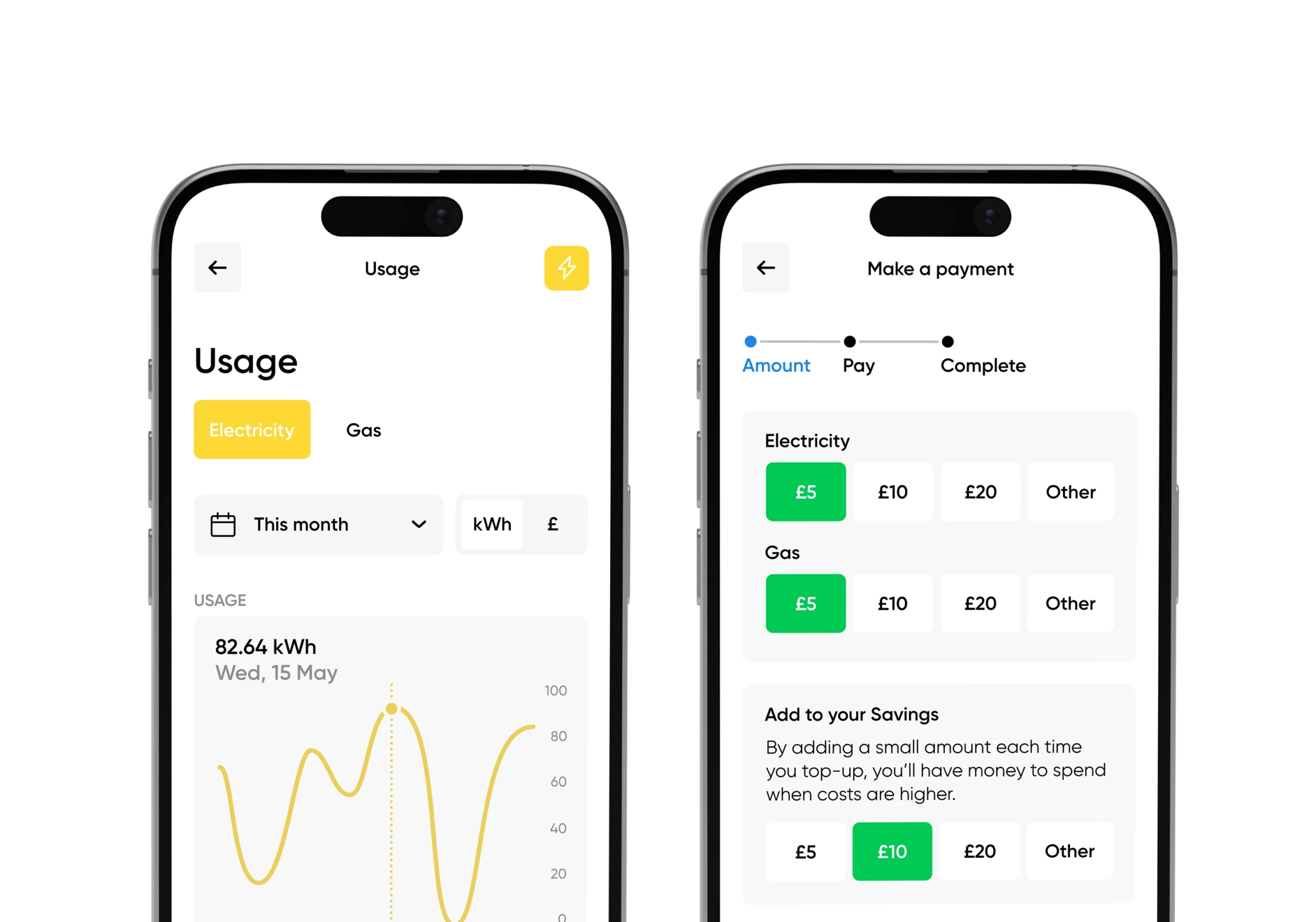
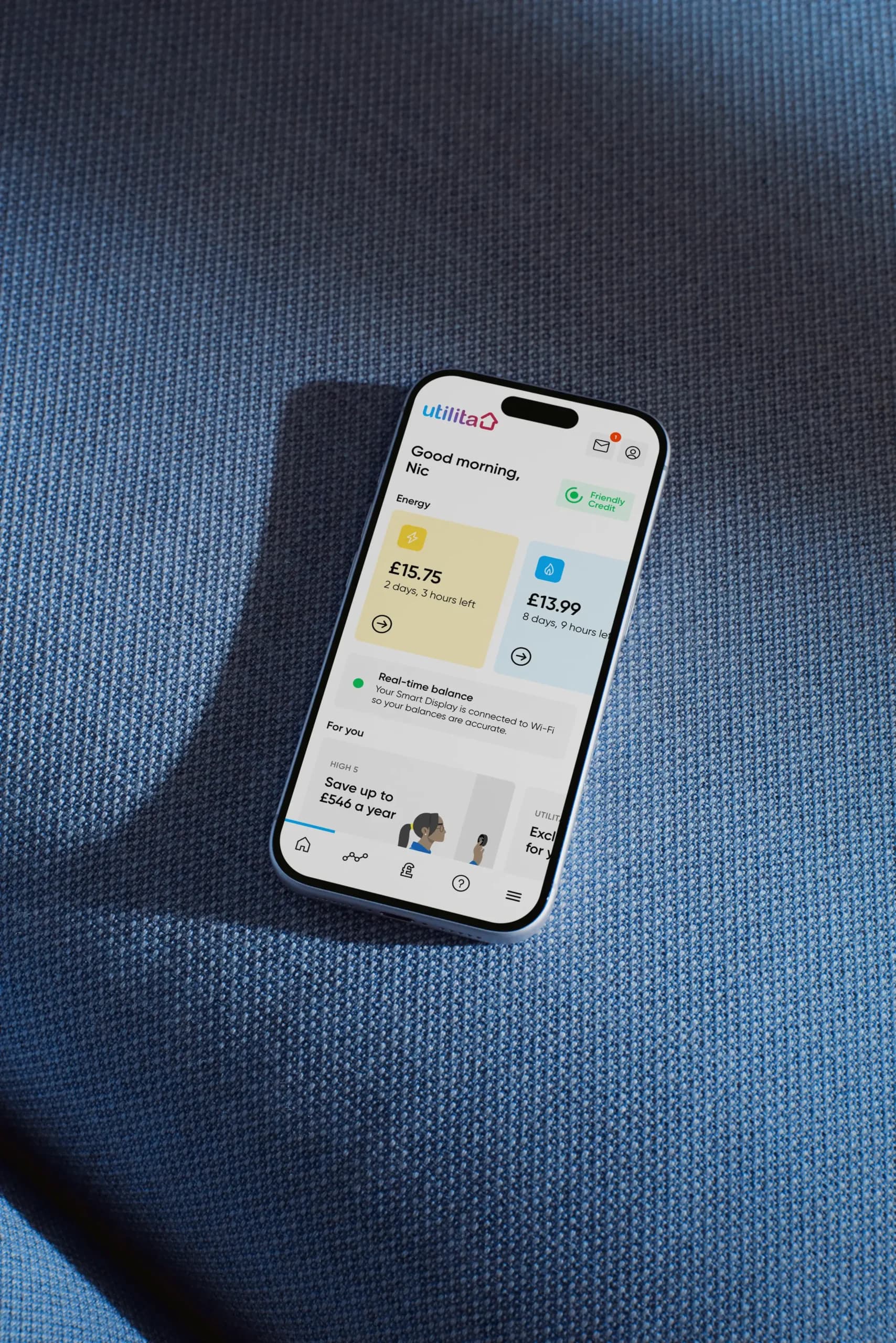
Connect your Smart Display to your home Wi-Fi to see real-time energy balances in My Utilita and receive monthly energy insights through My Energy.
Download the guide
My Utilita
Your energy, wherever you are
Your Smart Display helps you stay in control at home. My Utilita helps you do it on the go. Once your Smart Display is connected to Wi-Fi, you can use My Utilita to check your real-time energy balance when you’re away from home.
Discover My Utilita